
Is your Pinterest account gathering dust while your competitors syphon off free, high-intent traffic?
Automating Pinterest isn’t just about scheduling pins; it is about building a self-sustaining traffic engine that functions entirely in the background. By integrating generative design and smart scheduling, you transform a manual chore into a consistent revenue stream.
At Digital Gato, I constantly see founders make the same mistake. They treat Pinterest like Instagram, posting sporadically and hoping for a viral hit. That strategy fails because Pinterest is a search engine, not a social network. You need volume, consistency, and SEO optimization. The systems we build allow a single piece of content to automatically spawn dozens of optimized pins, ensuring you dominate the feed without lifting a finger daily.
Key Takeaways
- Treat Pinterest as SEO: Automate keyword-rich descriptions and alt-text, not just the image posting.
- Volume wins: Use tools to schedule 5-15 pins daily to satisfy the algorithm’s crave for fresh content.
- Creative automation: Leverage tools like Make or Canva Bulk Create to generate visual assets from text data.
- Looping content: Revive evergreen content automatically to maintain board activity without new manual input.
Why should you automate Pinterest marketing in 2026?
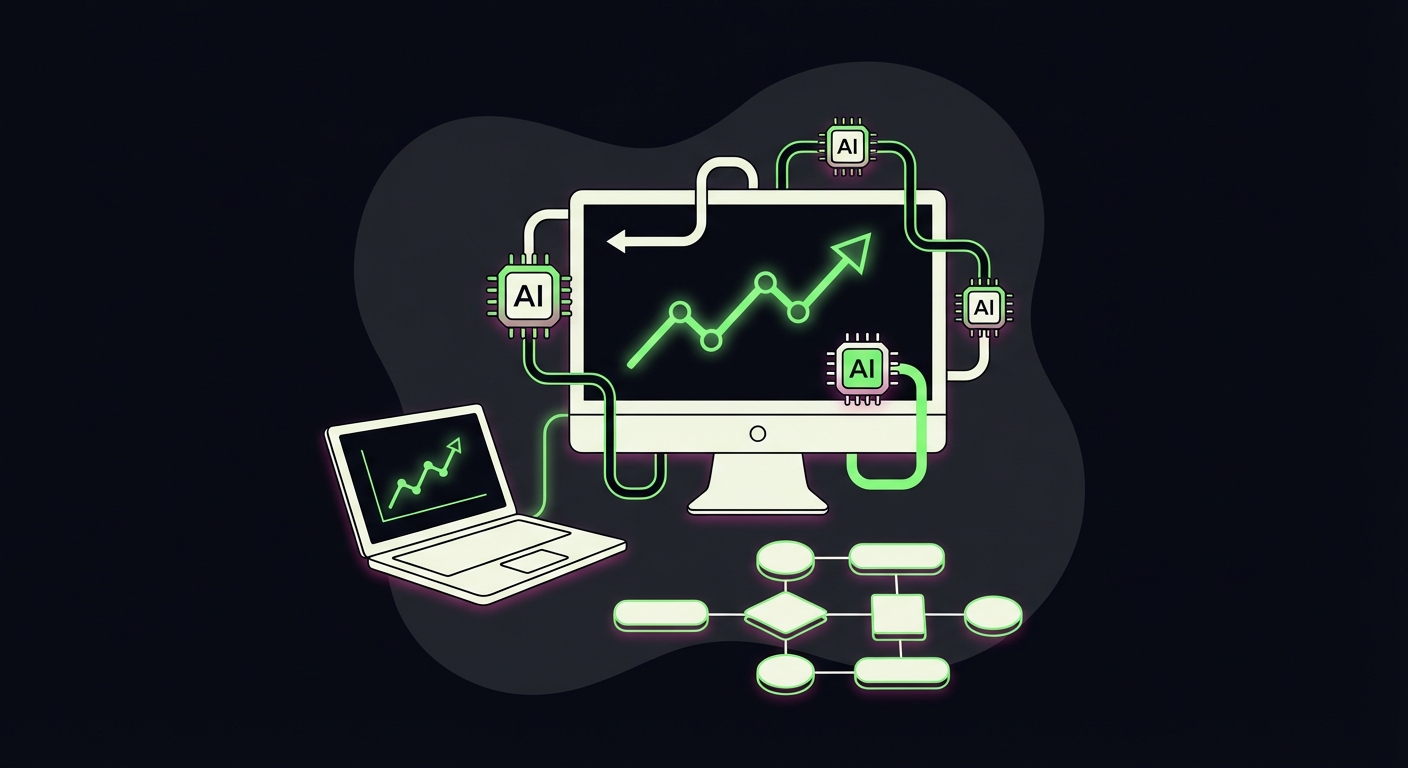
Automation ensures consistent daily pinning, which is the primary ranking factor for the Pinterest algorithm, while reducing manual labor by up to 90%.
If you post ten pins on Monday and nothing for the rest of the week, the Pinterest algorithm will bury you. This platform rewards consistency above all else. By automating the process, you decouple your traffic growth from your daily availability.
Furthermore, 2026 has brought us advanced visual AI tools. We aren’t just automating the “post” button anymore; we are automating the design process itself. This allows small teams to compete with massive brands by maintaining a high frequency of “Fresh Pins”—unique images that Pinterest prioritizes over recycled repins.
What do you need to start automating Pinterest?
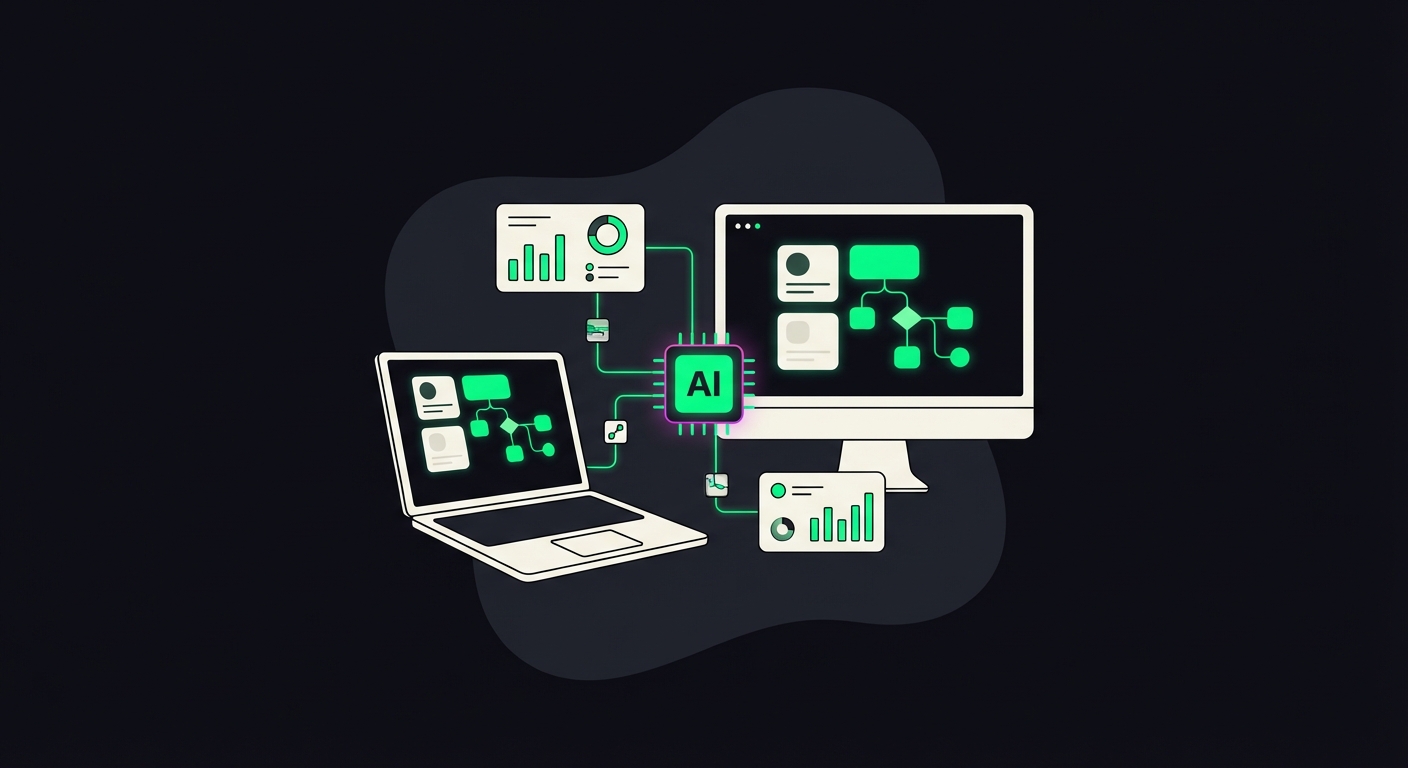
You need a verified Pinterest Business account, a source of content (like a blog RSS feed or Shopify store), and an automation tool like Tailwind, Make, or Zapier.
Before you touch a scheduling tool, your foundation must be solid. A Business account gives you access to analytics and the API needed for third-party tools. You also need “Rich Pins” enabled. This adds metadata to your pins directly from your website, ensuring that if you update a product price or a blog title, the pin updates automatically.
Don’t skip the domain verification step. It tells Pinterest that you are the original source of the content, which boosts the distribution of every pin automated from your URL.
What are the best tools for Pinterest automation?
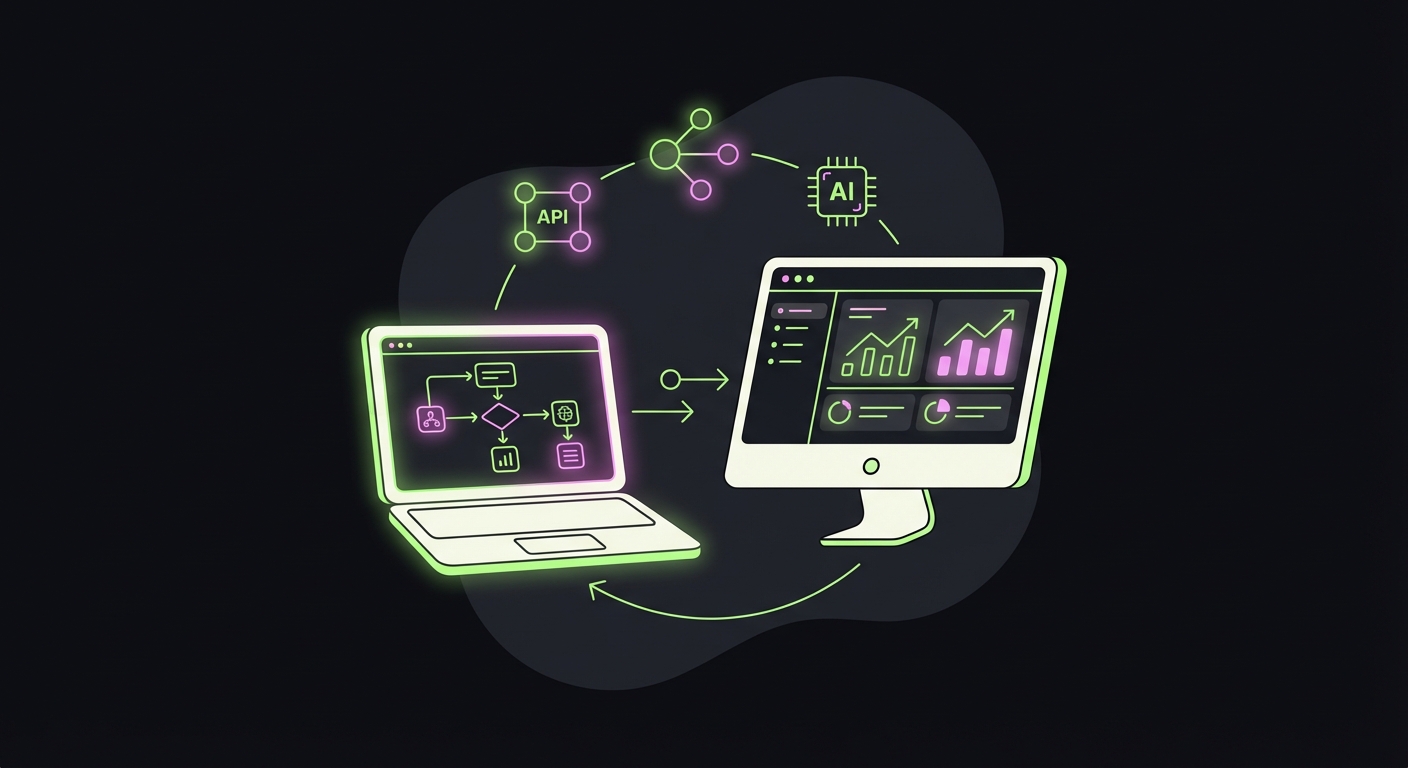
The top tools for 2026 are Tailwind for specific Pinterest scheduling, Canva for bulk image creation, and Make (formerly Integromat) for connecting custom workflows between your CMS and Pinterest.
While there are dozens of social schedulers, Tailwind remains the heavyweight champion specifically for Pinterest because of its “SmartLoop” feature. It allows you to re-circulate your best evergreen content indefinitely at intervals that won’t trigger spam filters.
However, for the true automation geeks—and this is what we do at Digital Gato—Make is superior. We use Make to watch a WordPress RSS feed. When a new post goes live, Make sends the headline and featured image to a template engine, generates five different pin designs, and schedules them out over the next month.
How do you automate pin creation from blog posts?
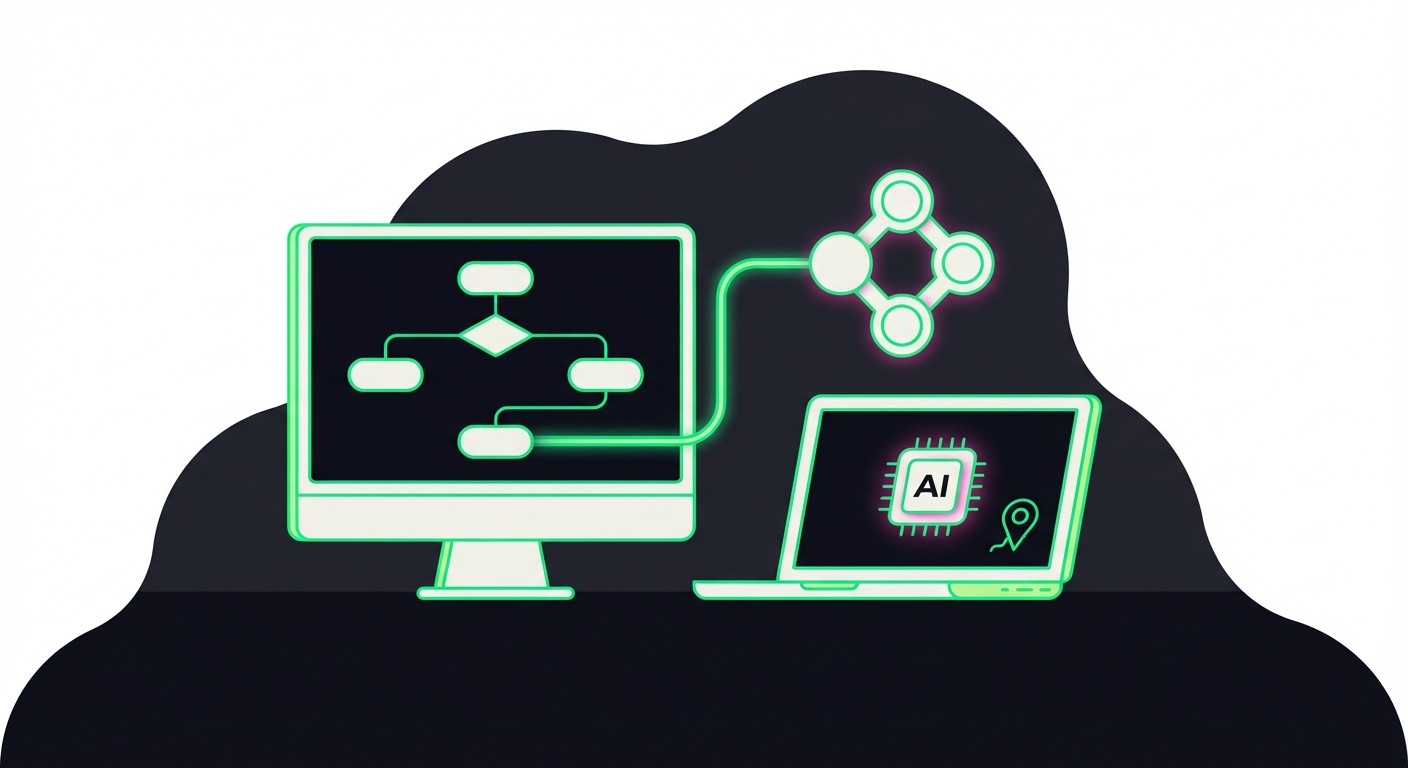
Connect your blog’s RSS feed to a graphic generation tool like Bannerbear or Canva via Zapier/Make to automatically generate pin designs whenever a new post goes live.
The bottleneck is usually design, not scheduling. To fix this, you create a “Master Template” for your pins. When you publish a blog post, your automation tool grabs the title and the main image. It inserts these into your Master Template to create a new graphic.
This generated image is then sent directly to your Pinterest scheduler. This means simply hitting “Publish” on your blog triggers a chain reaction that handles your social distribution. You effectively remove the social media manager from the loop for standard content distribution.
Tired of juggling tools and playing architect?
Skip the manual setup and the subscription fatigue. We’ll build you a custom Social Visibility Engine that handles everything, from deep-dive research and on-the-fly image creation to multi-platform posting. One system, zero headaches.
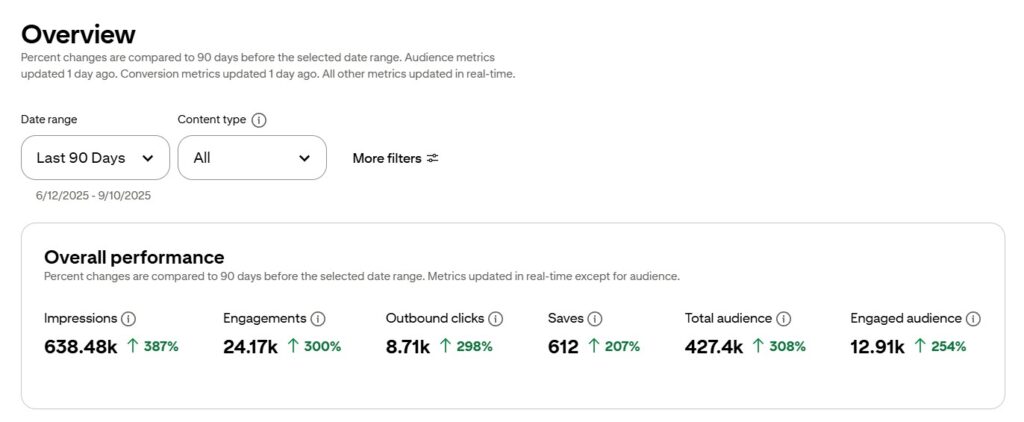
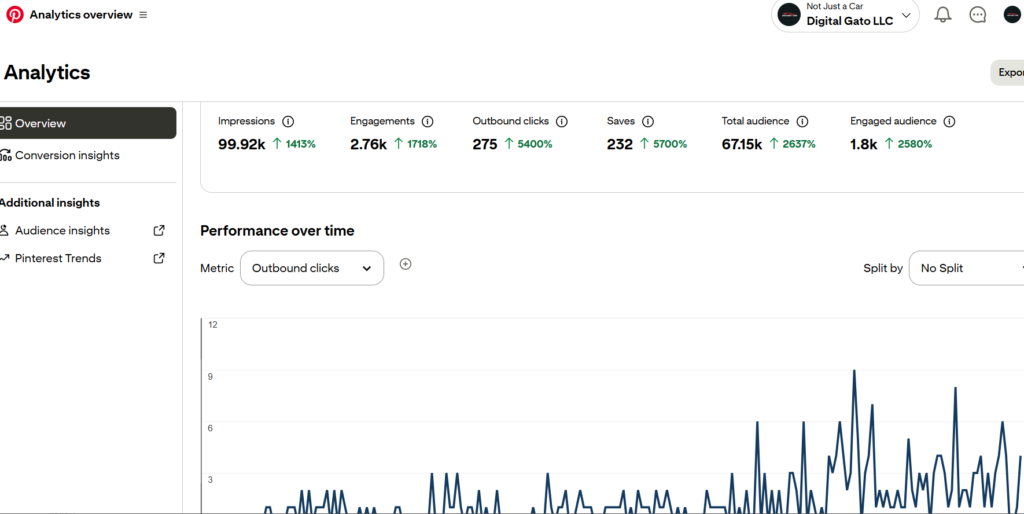
At Digital Gato, we’ve automated Pinterest accounts with great results:
How often should you schedule pins for maximum reach?
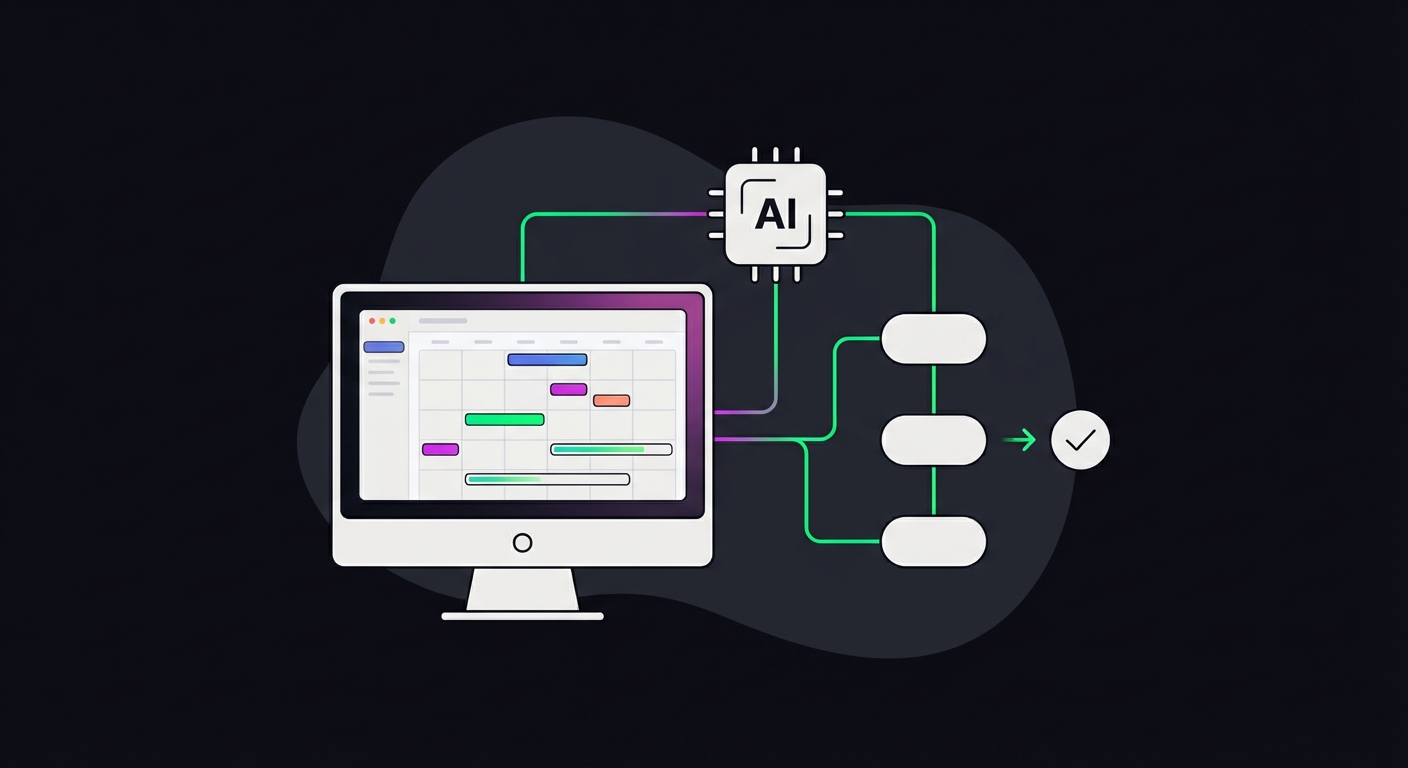
Aim for 5 to 15 pins per day, spread throughout peak engagement hours, utilizing a mix of fresh content and repins to keep your boards active without spamming.
Flooding your boards with 50 pins in one hour looks like spam behavior. The algorithm prefers a slow, steady drip. Automation tools allow you to fill a queue and let the software determine the optimal time slots based on when your specific audience is online.
It is crucial to balance your own content with curation. While you want to drive traffic to your site, boards that only contain your own links can look self-serving. Automating the curation of high-quality content from others in your niche helps you gain authority and followers, who then see your original content.
How can you automate Pinterest analytics reporting?
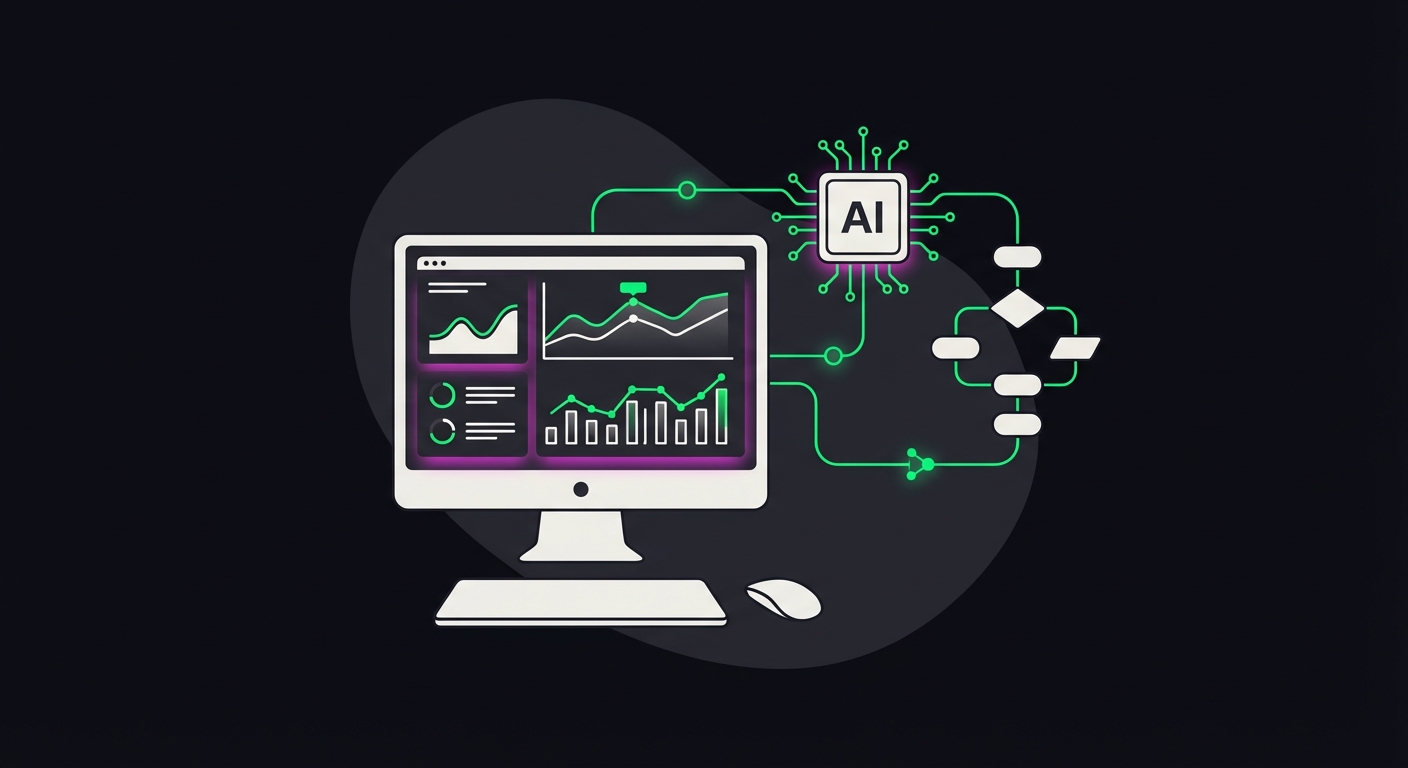
Use connectors like Supermetrics or Looker Studio to pull data directly from the Pinterest API into a live dashboard, tracking outbound clicks and save rates automatically.
Logging into Pinterest Analytics every day is a waste of executive time. Set up a Looker Studio (formerly Google Data Studio) dashboard that pulls your key metrics: Outbound Clicks (traffic) and Saves (virality).
By automating the reporting, you can spot trends instantly. If you see a specific pin template driving 80% of your traffic, you adjust your design automation to favor that layout. If you see a drop in traffic, you know to check if your scheduling queue has run dry. Data should come to you; you shouldn’t have to go digging for it.
Stop Losing Customers to Competitors Who Automate
Let’s level the playing field, or better yet, dominate it.