
Are you spending more time moderating spam in your Facebook Group than actually building a community?
Facebook automation isn’t about replacing human connection; it is about building systems that handle scheduling, moderation, and replies so you can focus on high-level strategy. This system breaks down the exact stack needed for Pages and Groups to run on autopilot without risking your ad account.
I talk to agency owners every week who are terrified of “botting” their accounts because they think automation equates to getting banned. The reality is that Meta gives us the API keys to do this correctly, yet most people ignore them. At Digital Gato, we run automation to keep engagement high while we sleep. If you are manually approving every post or typing out the same Messenger reply for the hundredth time, you are wasting billable hours that could be spent scaling your agency.
Key Takeaways
- Safety First: Only use tools that utilize the official Meta API to avoid account restrictions.
- Native Tools: Meta Business Suite is the most reliable, free option for scheduling content on Pages.
- Group Efficiency: Admin Assist is a hidden gem for removing spam and managing group join requests automatically.
- Messenger ROI: Chatbots are essential for converting comments into leads instantly.
- Integration: Connect your Facebook ecosystem to your CRM using tools like Make to prevent data silos.
What is Facebook automation and is it safe?
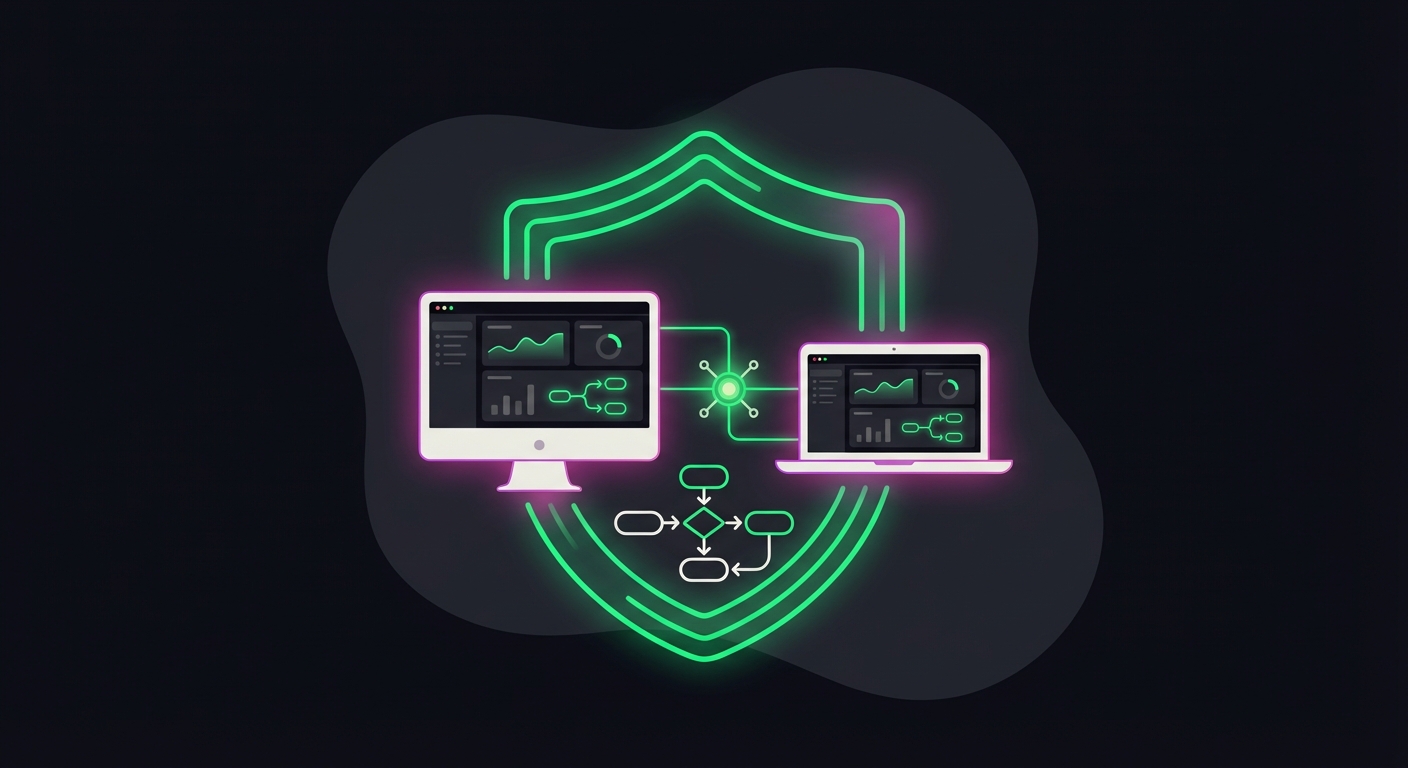
Facebook automation refers to using software to handle repetitive tasks like posting, commenting, and messaging on Pages and Groups. It is safe when using official Meta Business Partners and adhering to rate limits, but using unauthorized scraping tools can risk account bans.
Safety is the number one concern I hear from clients. There is a massive difference between “grey hat” automation—which simulates human clicks and scrapes data—and API-based automation. API-based tools, like ManyChat or Buffer, have explicit permission from Facebook to operate on your behalf.
When you stick to official partners, you aren’t trying to trick the algorithm; you are feeding it. The danger zone typically lies in aggressive outbound actions, like auto-adding friends or mass-messaging strangers. If you stay within the bounds of scheduling content and replying to inbound engagement, your account remains secure.
How do I automate Facebook Page scheduling effectively?
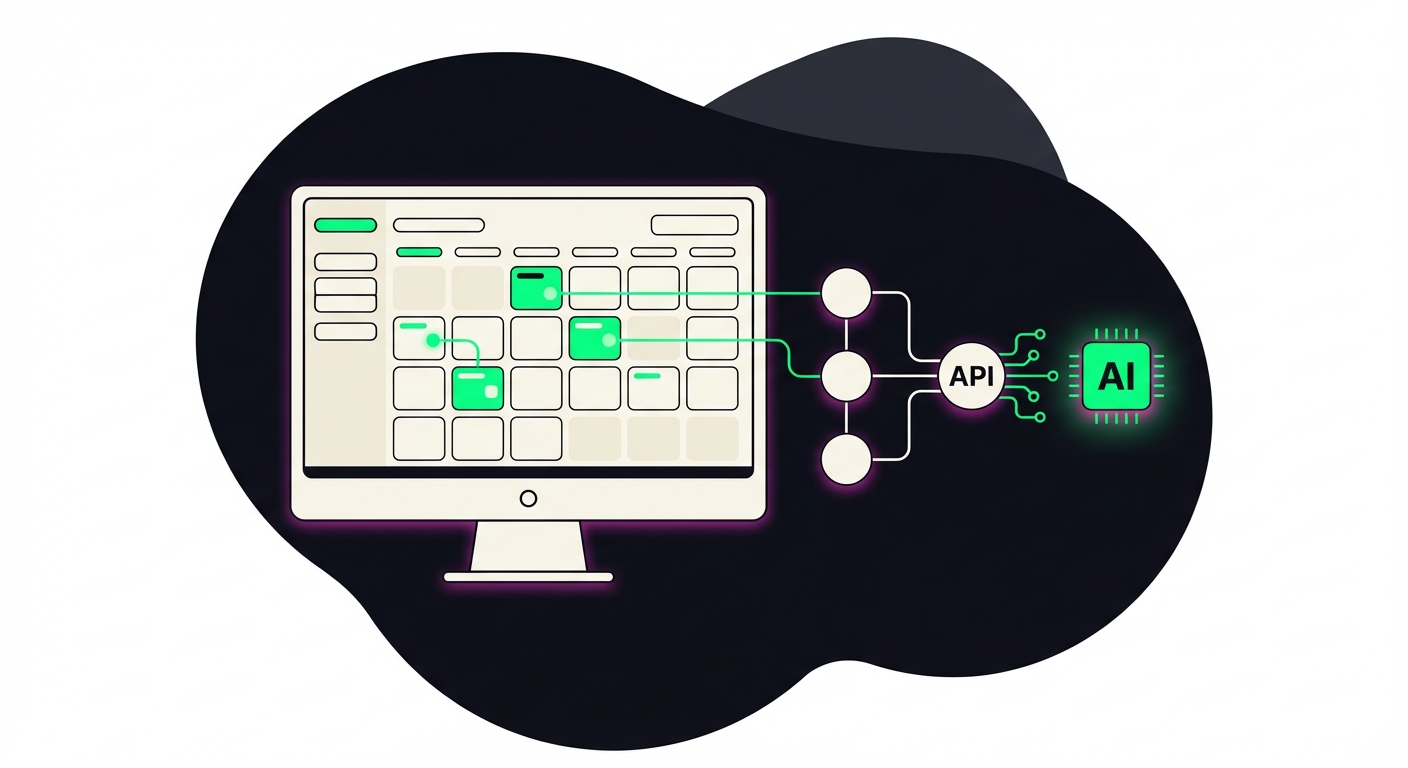
The most effective method is utilizing Meta Business Suite or third-party tools like Buffer and Metricool. These platforms allow you to batch-create content, visualize your grid, and schedule posts weeks in advance to maintain consistency without daily manual input.
Consistency kills businesses when it relies on willpower. I have seen brilliant campaigns fail because the social media manager got sick or the owner got busy. Automating your scheduling solves this immediately.
For most businesses, Meta Business Suite is sufficient. It is free, native, and gives you the most accurate preview of how a post will look. However, if you are managing clients, you likely need a third-party aggregator. Tools like Metricool or Vista Social allow you to cross-post to other platforms simultaneously. If you are looking to expand beyond Facebook, you should check out our frameworks on other social automation guides to see how we sync these calendars.
Can I automate Facebook Group management and moderation?
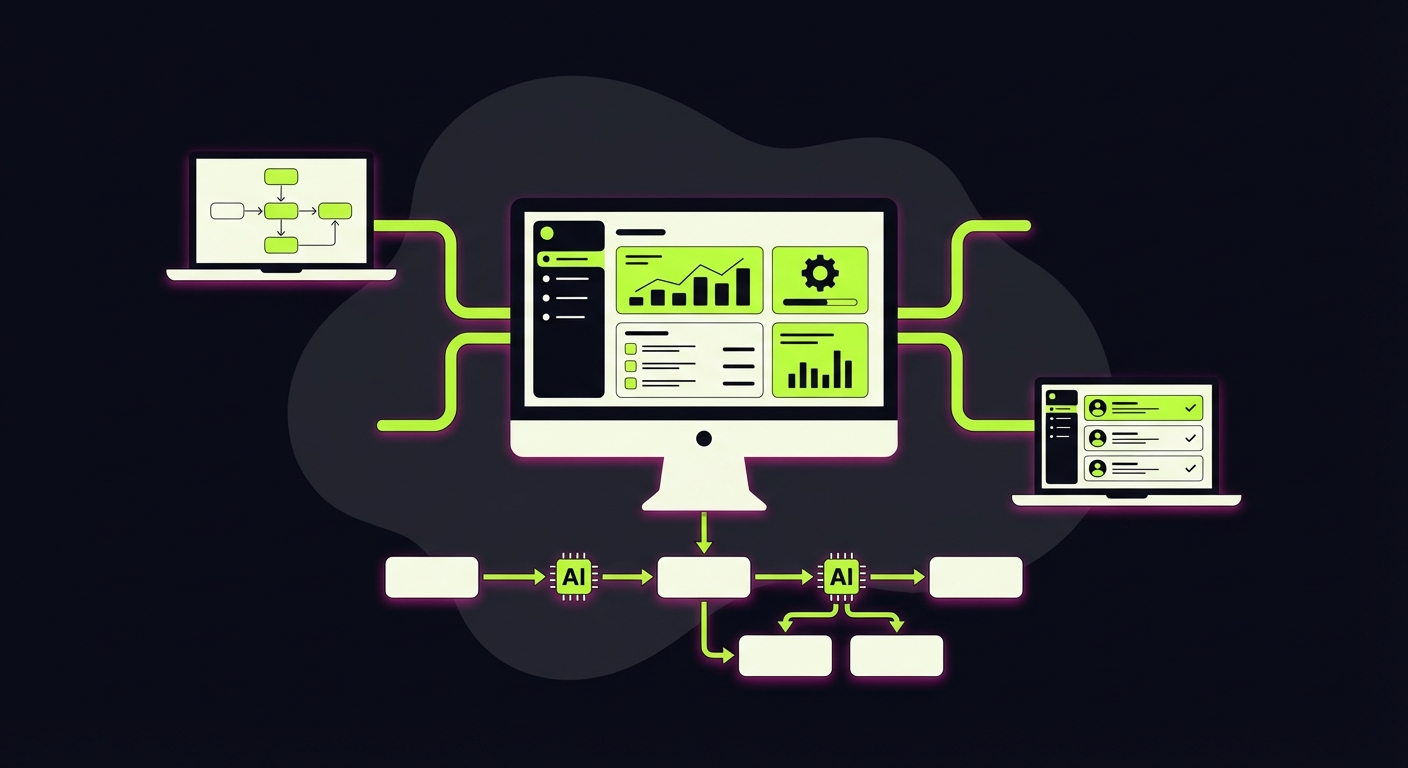
Yes, you can automate Group management using Facebook’s native “Admin Assist” to auto-decline posts with specific keywords, block potential spam accounts, and welcome new members. External tools can also link group join requests to your email marketing software.
If you run a Facebook Group, you know the spam problem is out of control. Crypto bots and fake profiles can ruin a community in days. Admin Assist is the firewall you need to build.
I recommend setting up three specific rules immediately:
- Decline incoming posts containing common spam keywords (e.g., “investment,” “crypto,” “whatsapp”).
- Decline join requests from accounts created less than 3 months ago.
- Decline posts with links if the user hasn’t engaged previously.
Beyond defense, you need to capture data. When someone joins your group, you can ask three questions. Always make one of them an email capture field. Using tools like GroupLeads, you can push that email directly to your CRM, turning a social follower into an owned audience member.
How does Facebook Messenger automation drive leads?
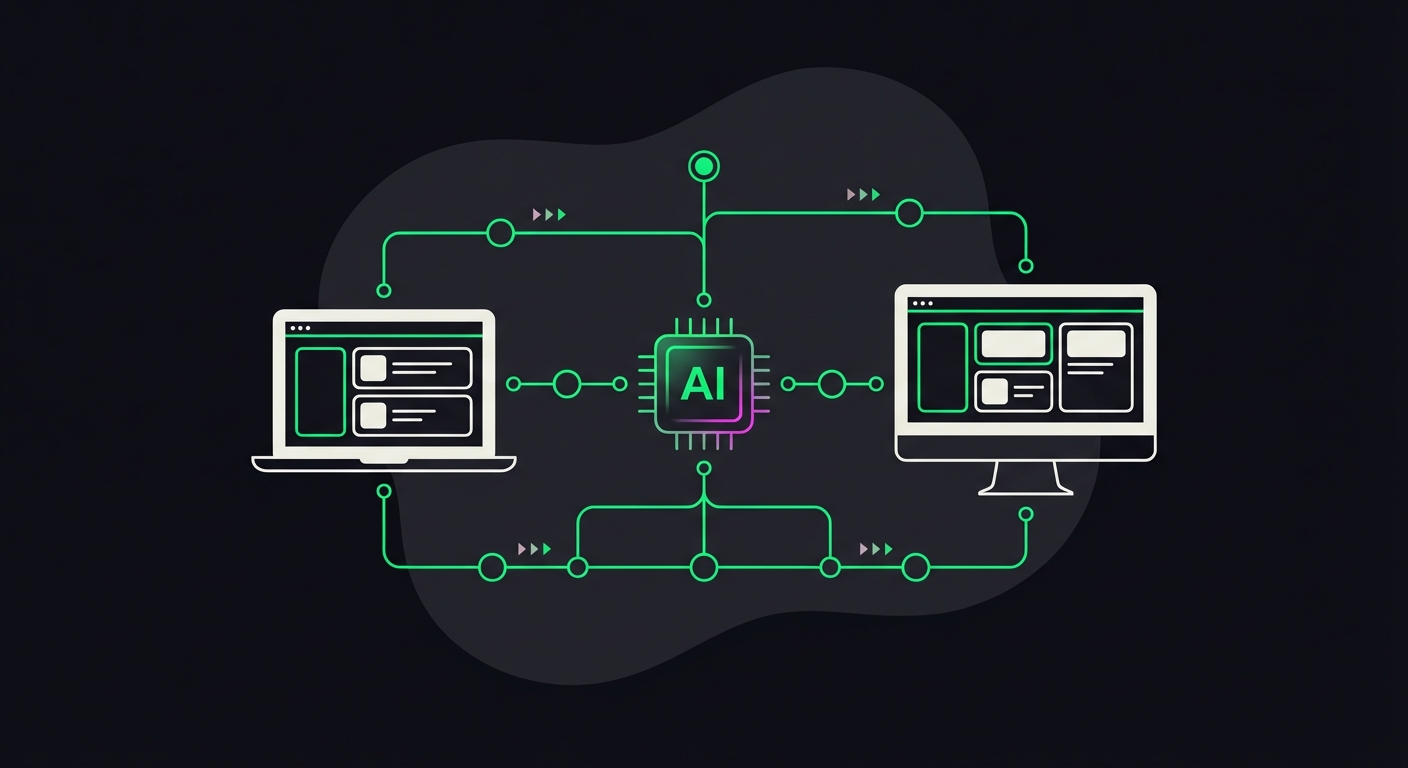
Messenger automation uses chatbots to instantly reply to DMs, qualify leads, and deliver resources 24/7. By setting up keyword triggers, you turn passive inquiries into active subscribers or sales calls without human intervention.
This is where the money is. The old way of doing business involved a user asking “price?” and waiting six hours for a human to reply. By then, the lead is cold.
We use “Comment Growth Tools” for this. You post a resource—say, a PDF guide—and tell people to “Comment GUIDE below to get it.” Your automation tool detects the keyword and instantly sends a DM with the download link. This boosts your post engagement (making the algorithm happy) and initiates a private conversation where you can qualify the lead. It is the single most effective automation tactic for direct response on Facebook right now.
What is the best tech stack for Facebook automation?
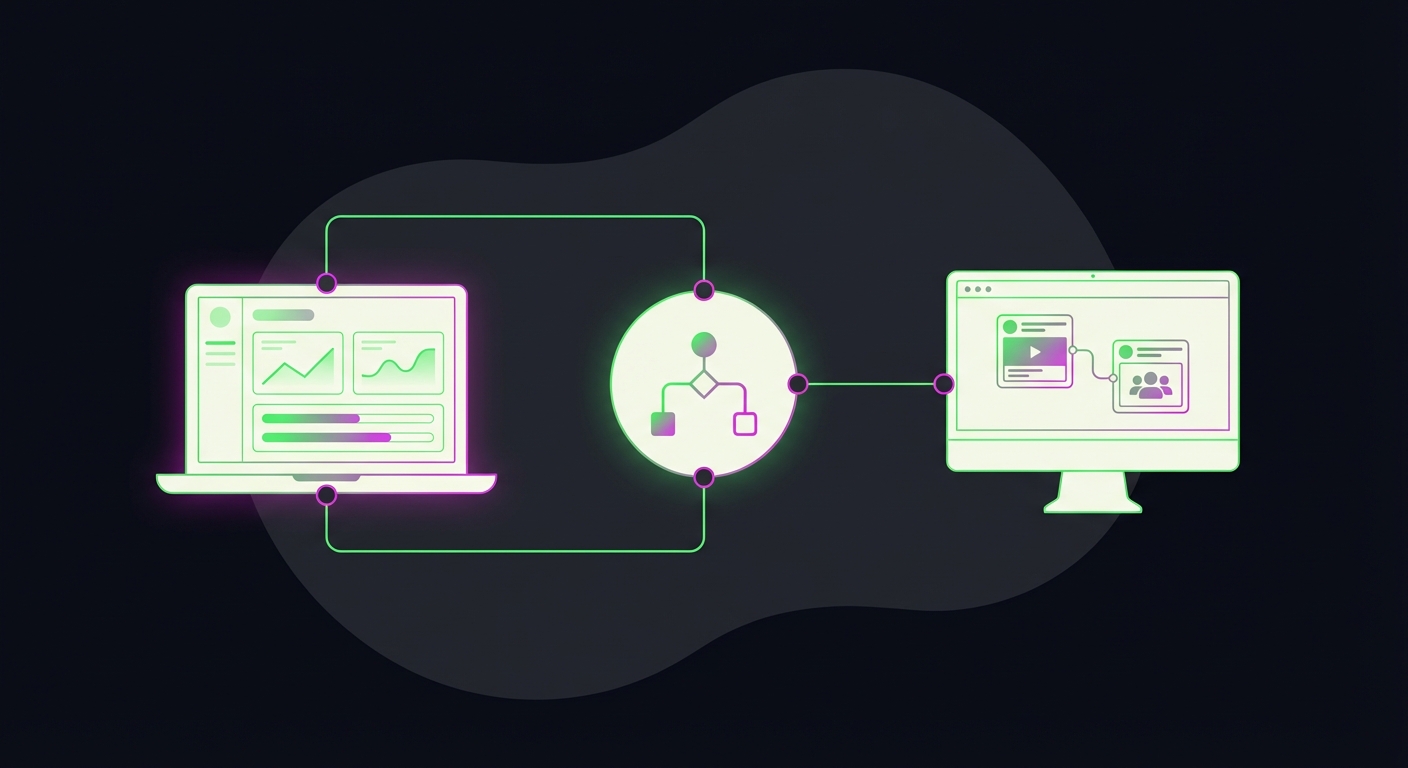
A robust stack includes Meta Business Suite for basic scheduling, ManyChat for DM automation, and Make to connect Facebook data to your CRM. For Group extraction, tools like GroupLeads are popular for syncing member answers to email lists.
Don’t overcomplicate your tech stack. You do not need ten different subscriptions. You need a scheduler, a conversation handler, and a connector.
- Scheduler: Meta Business Suite (Free) or Metricool (Paid).
- Chat/DM: ManyChat. It is the industry standard for a reason.
- Connector: Make (Integromat). This is the glue. When a lead comes in via ManyChat, Make sends it to Slack, your CRM, and your email list simultaneously.
- Group Tool: GroupLeads or similar extensions to scrape membership questions.
Once you have this stack running, you stop working for the platform and make the platform work for you.
Guess what we do? We set up everything for you via Make.com so you don’t have to learn new skills, new tools, and pay different subscriptions.
Tired of juggling tools and playing architect?
Skip the manual setup and the subscription fatigue. We’ll build you a custom Social Visibility Engine that handles everything, from deep-dive research and on-the-fly image creation to multi-platform posting. One system, zero headaches.