
Is it possible to be an authentic thought leader while letting a robot handle your handshake?
LinkedIn automation isn’t just about spamming connection requests; it is the strategic lever for scaling personal authority without burnout. By automating content distribution and initial engagement, you reclaim the time needed for deep, creative work while your digital footprint grows 24/7.
I see so many founders and aspiring influencers get this completely backward. They think automation means firing off thousands of generic “I’d love to add you to my network” DMs. That is the fastest way to get your account restricted and your reputation torched. At Digital Gato, we treat automation as a stagehand rather than the main actor. It handles the lights and the curtains so you can actually perform. If you want to build authority, you have to automate the logistics, not the personality.
Key Takeaways
- Automation should amplify your voice rather than replace it with generic scripts.
- Strict daily limits are non-negotiable to protect your LinkedIn profile health.
- Content repurposing is the highest ROI automation strategy for thought leadership.
- The transition from automated outreach to human conversation must be seamless.
What is LinkedIn automation for thought leadership?
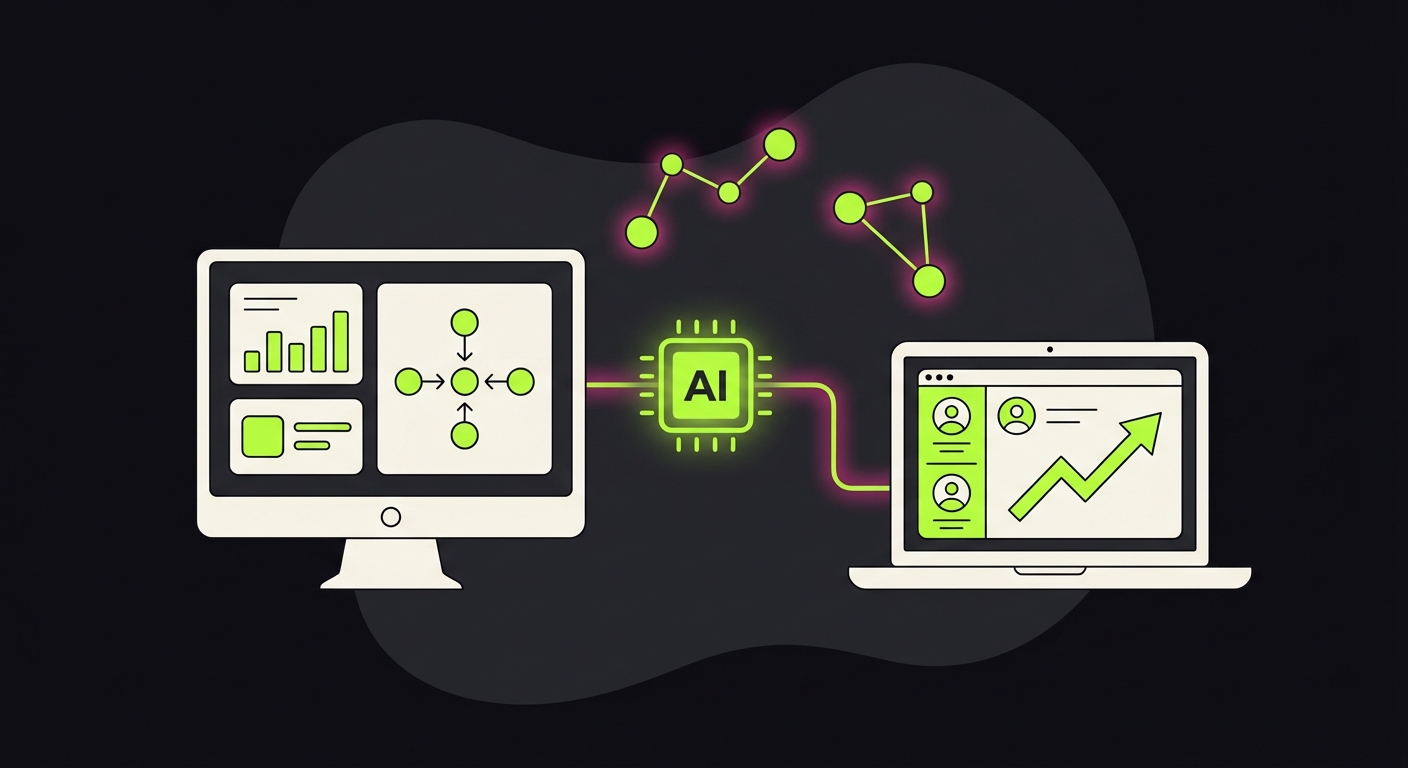
LinkedIn automation for thought leadership refers to using software to schedule posts, manage connection requests, and nurture professional relationships at scale while maintaining a consistent personal brand voice.
Most people confuse this with “lead generation.” While lead gen is about volume, thought leadership automation is about consistency. You are using tools to ensure your face and your ideas appear in the feeds of the right people at the right time.
This involves automating the tedious parts of the platform. Think about profile visits, endorsing skills, or sending that initial “Thanks for engaging with my post” message. These small touchpoints build familiarity. When you do them manually, you might hit 10 people a day. With the right setup, you hit 50 to 100 consistently, keeping your name top-of-mind without you being glued to the screen.
How can I automate content repurposing on LinkedIn?
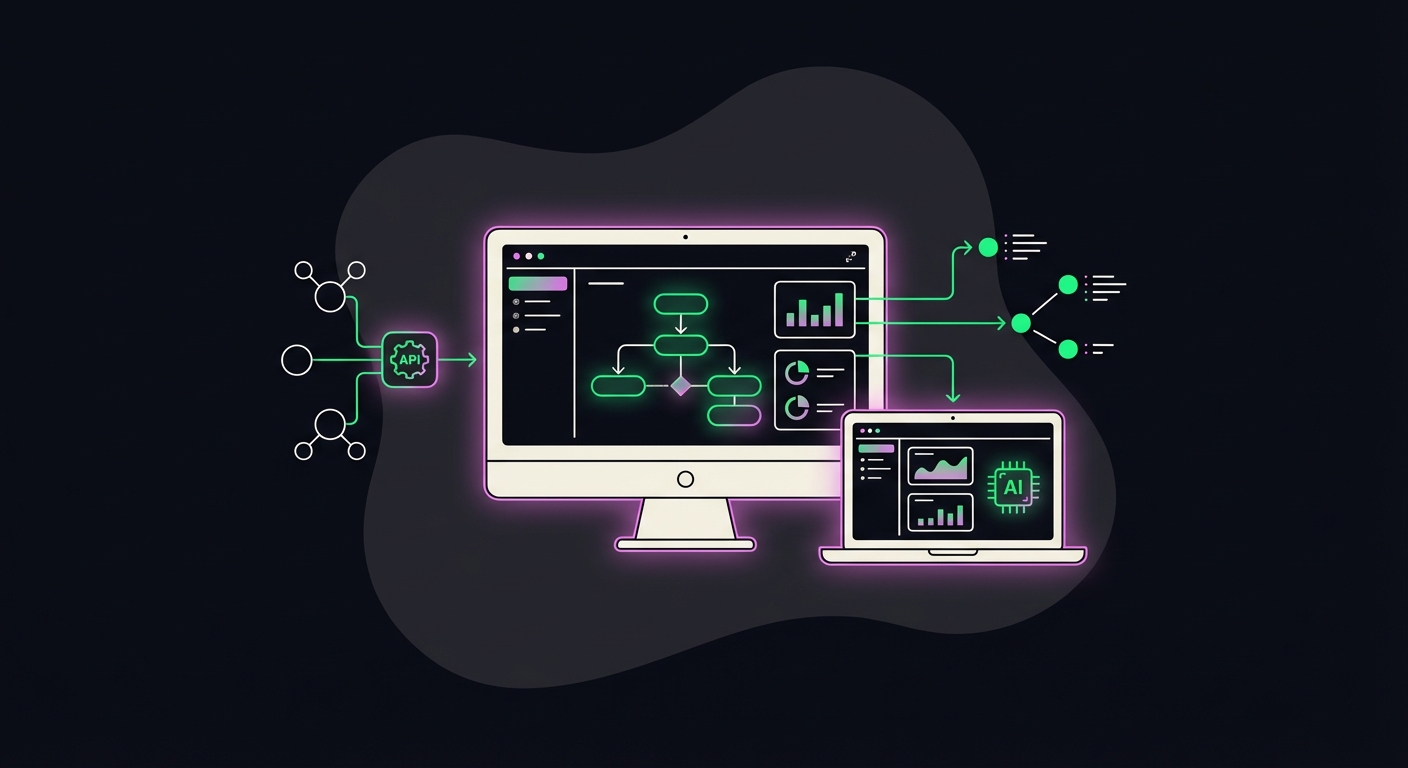
Automating content repurposing involves using tools like Make or Zapier to transform long-form content such as blogs or videos into LinkedIn-friendly formats and scheduling them via platforms like Taplio or Buffer.
This is where the magic happens for efficient creators. You shouldn’t be writing fresh LinkedIn posts from scratch every morning. That is a recipe for writer’s block.
Instead, we build workflows where a new blog post on your site triggers a sequence. An AI wrapper can read that blog, extract three distinct “hot takes” or insights, and draft them as LinkedIn posts. Your job is simply to review and hit approve. This keeps your feed active with high-quality thoughts derived from your core expertise. If you are looking to expand this approach to other platforms, looking into broader social automation guides can help you sync your LinkedIn strategy with Twitter or Instagram.
Is LinkedIn automation safe for my personal account?
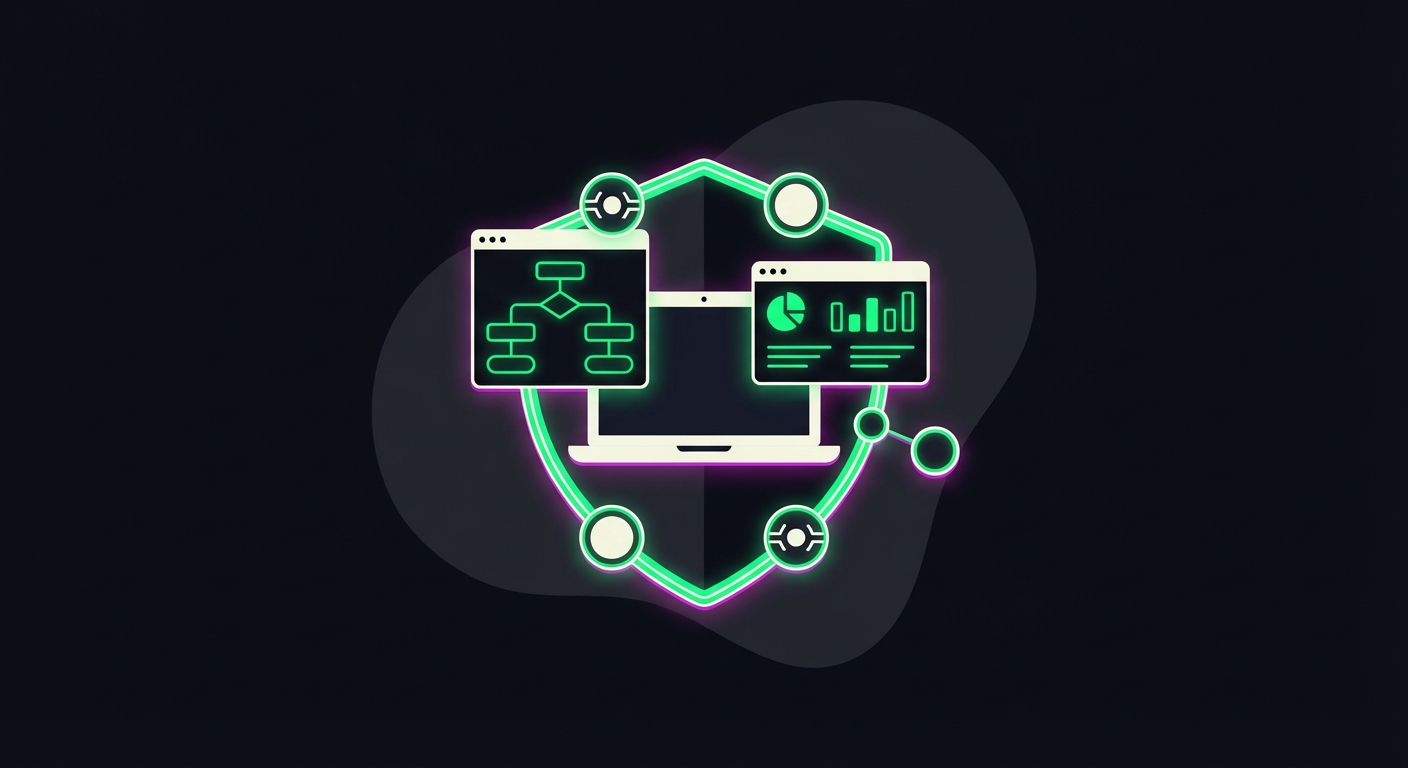
Yes, provided you stay within LinkedIn’s daily activity limits, use cloud-based tools with dedicated IP addresses, and avoid aggressive spamming tactics that trigger algorithm flags.
Safety is the number one concern I hear from clients. And rightfully so. LinkedIn hates bots.
To stay safe, you need to mimic human behavior. A human doesn’t send 500 connection requests in 10 minutes at 3 AM. Cloud-based tools are superior here because they run on a server that simulates a consistent location and pace. Avoid Chrome extensions that inject code directly into your browser session, as these are much easier for LinkedIn to detect. Always warm up your account. Start with 10 actions a day and slowly scale up to 50 or 60 over a few weeks.
What are the best tools for authentic LinkedIn automation?
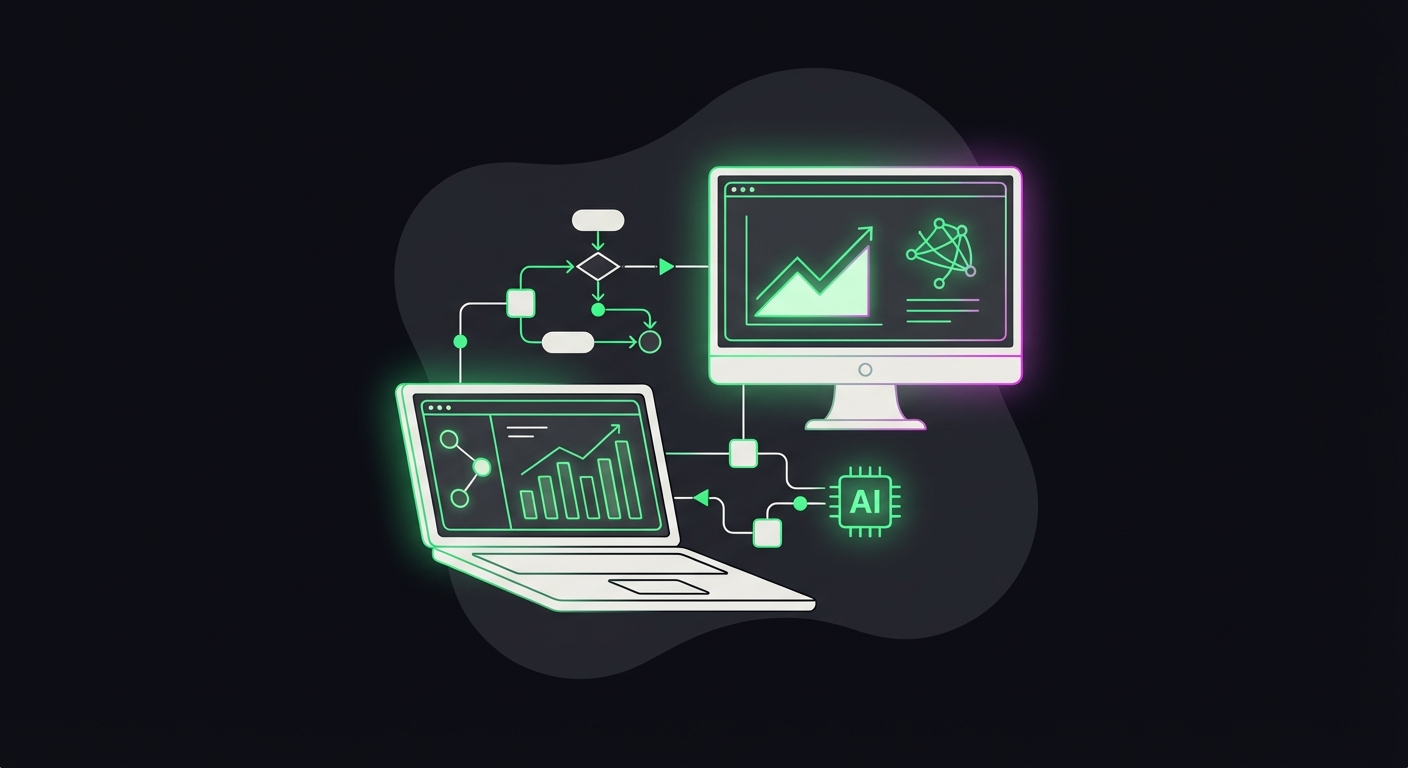
Top tools for authentic automation include Taplio for content creation and analytics, Expandi or Waalaxy for safe outreach sequences, and Phantombuster for data extraction.
Tools matter, but how you use them matters more. Taplio is excellent for the content side because it helps you identify viral topics and schedule threads visually. It feels less like a bot and more like a dashboard for your brain.
But… why pay, learn, and manage different tools when you can just hire us to do it for you?
Tired of juggling tools and playing architect?
Skip the manual setup and the subscription fatigue. We’ll build you a custom Social Visibility Engine that handles everything, from deep-dive research and on-the-fly image creation to multi-platform posting. One system, zero headaches.
When should I switch from automation to manual interaction?
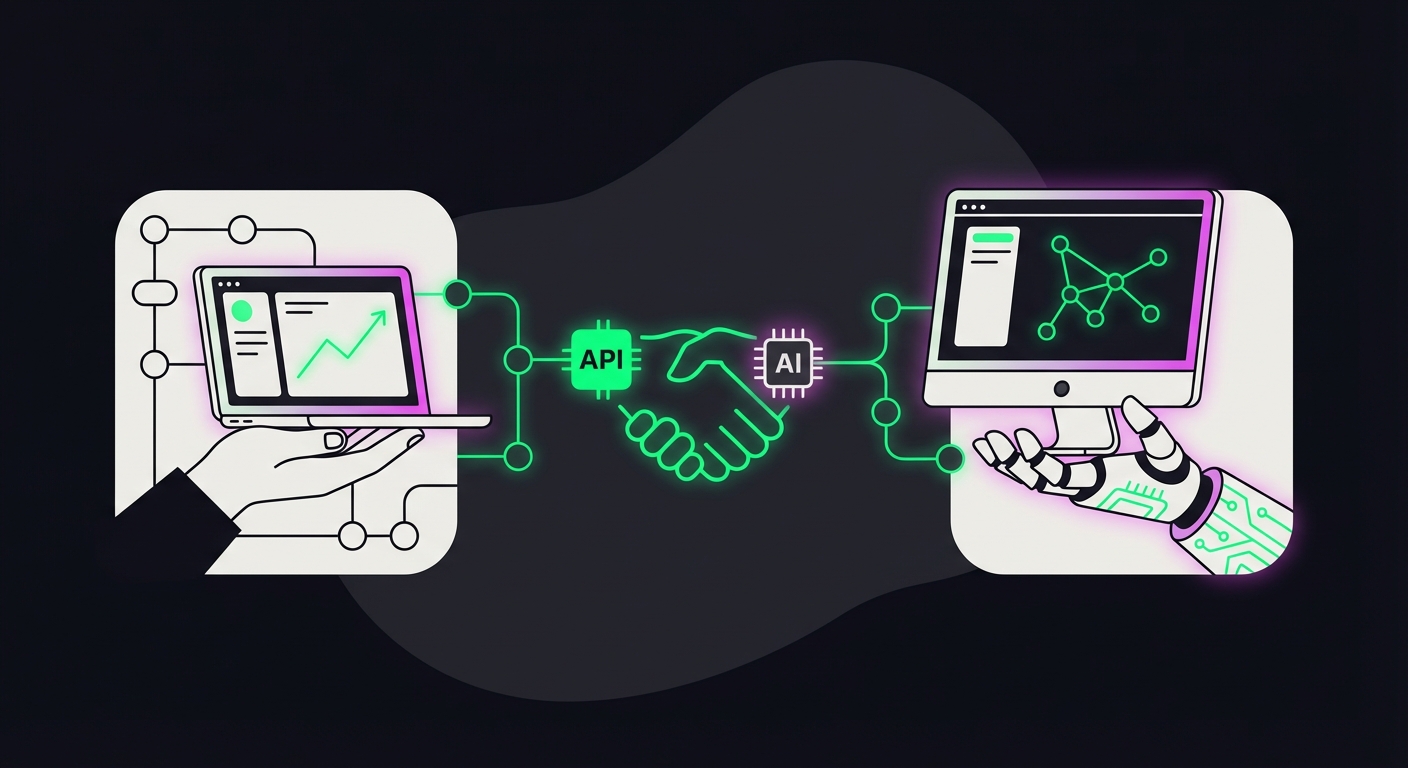
You must switch to manual interaction the moment a prospect replies to a message or engages deeply with a post, as generic automated responses destroy trust and credibility instantly.
This is the golden rule of Digital Gato. Automation gets you to the door. You have to walk through it.
Nothing kills authority faster than a bot replying “Thanks for the info!” when a prospect asks a specific question about your pricing or philosophy. Your automation stack should be set up to stop all sequences the second a reply is detected. At that point, the conversation is an asset. You need to nurture it personally. The goal of the robot is to find the people who want to talk to you. Once they raise their hand, send the robot to the break room.